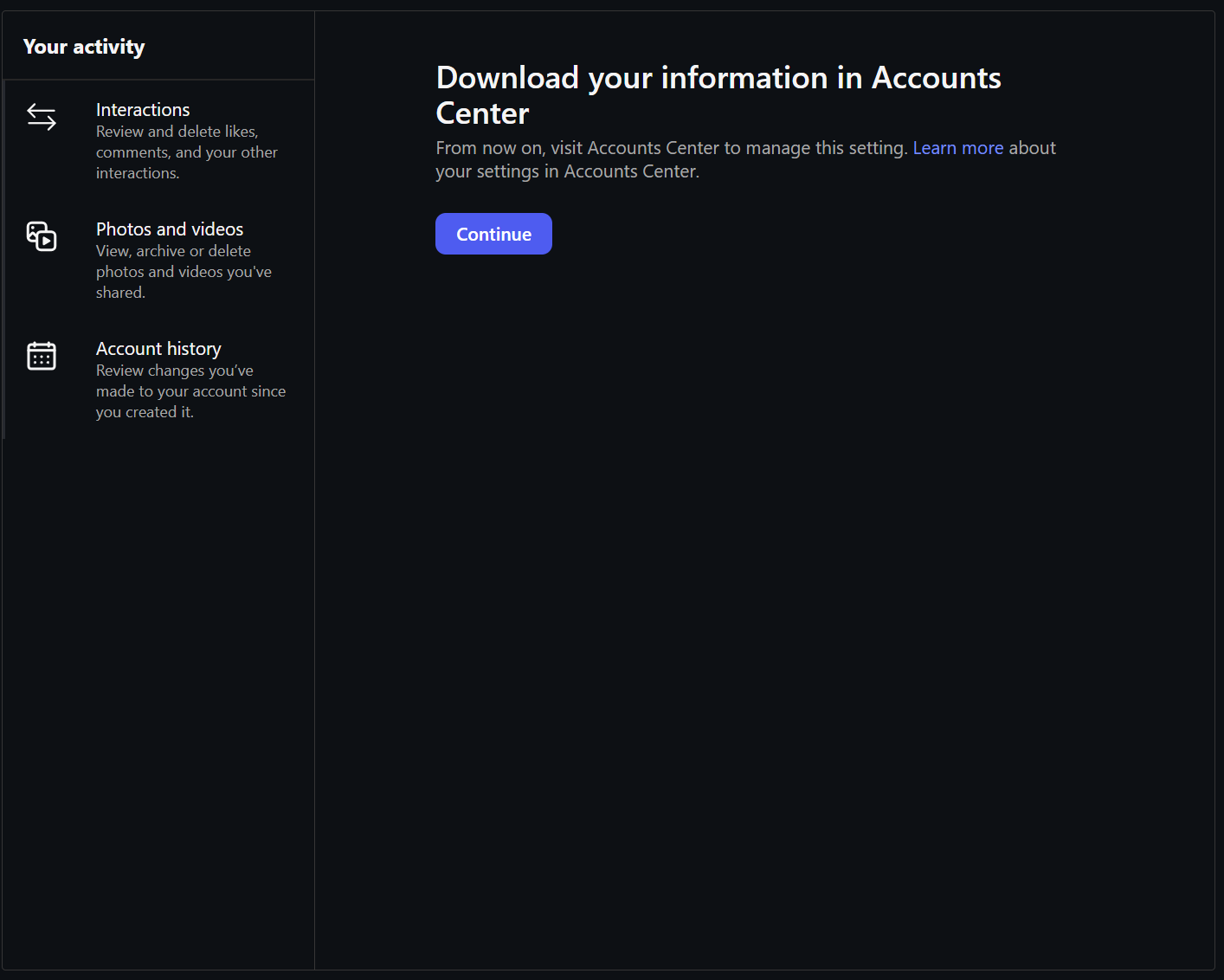
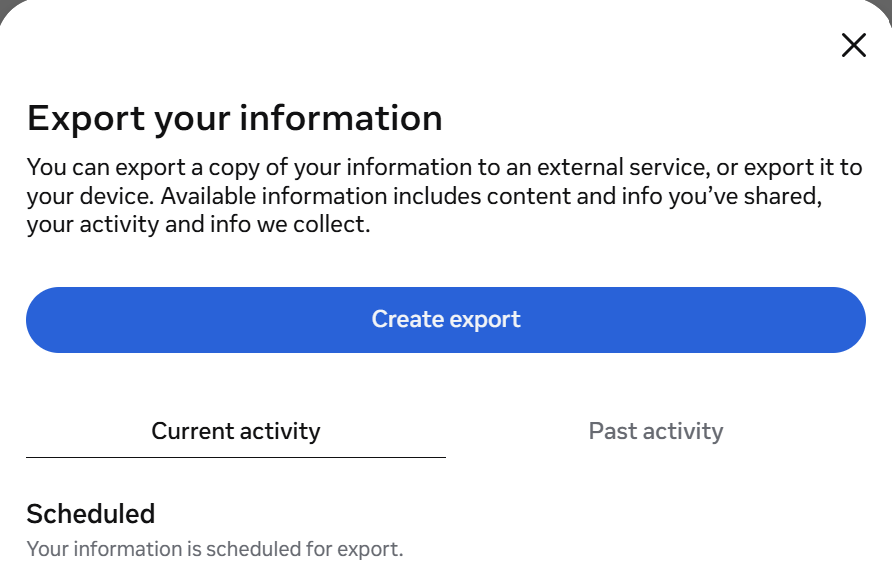
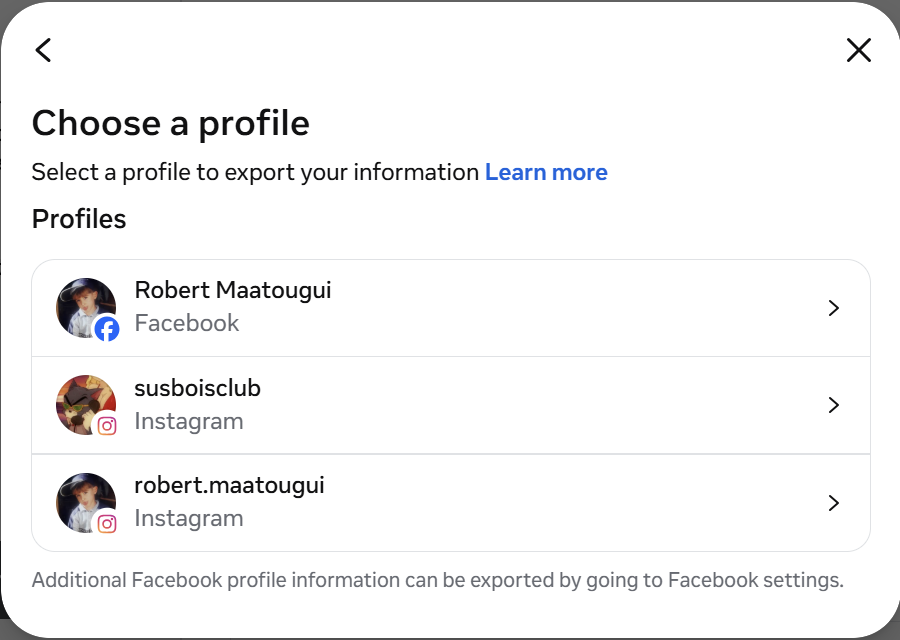
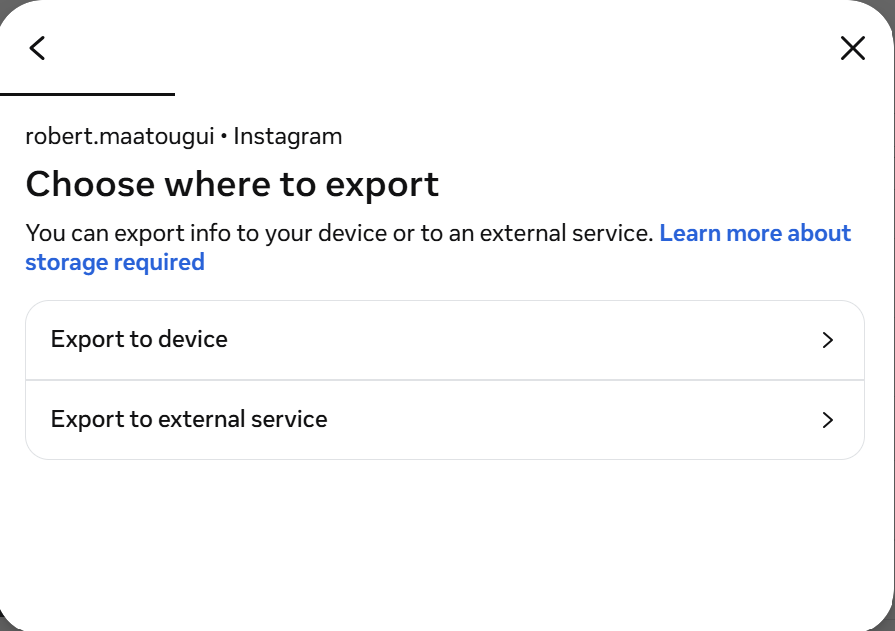
The export is already yours by law. Most people have never pressed the button because the path is buried four clicks deep and the results are a zip of nonsense. Here's the clean path for each platform — exact settings, exact links, the smallest download with all the ad signal.
Each guide opens the platform's own download page in a new tab. We never receive your data. Everything runs in your browser after you upload.
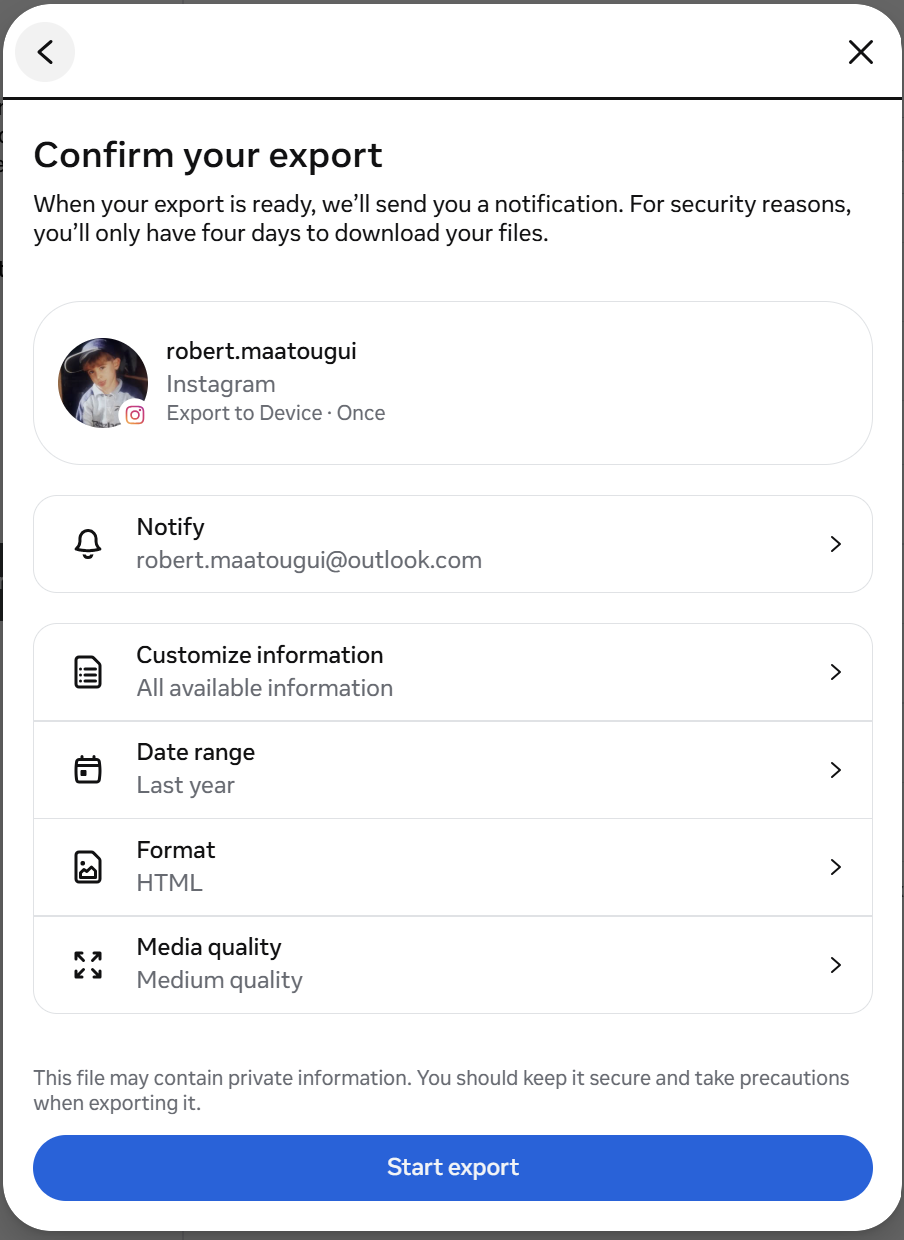
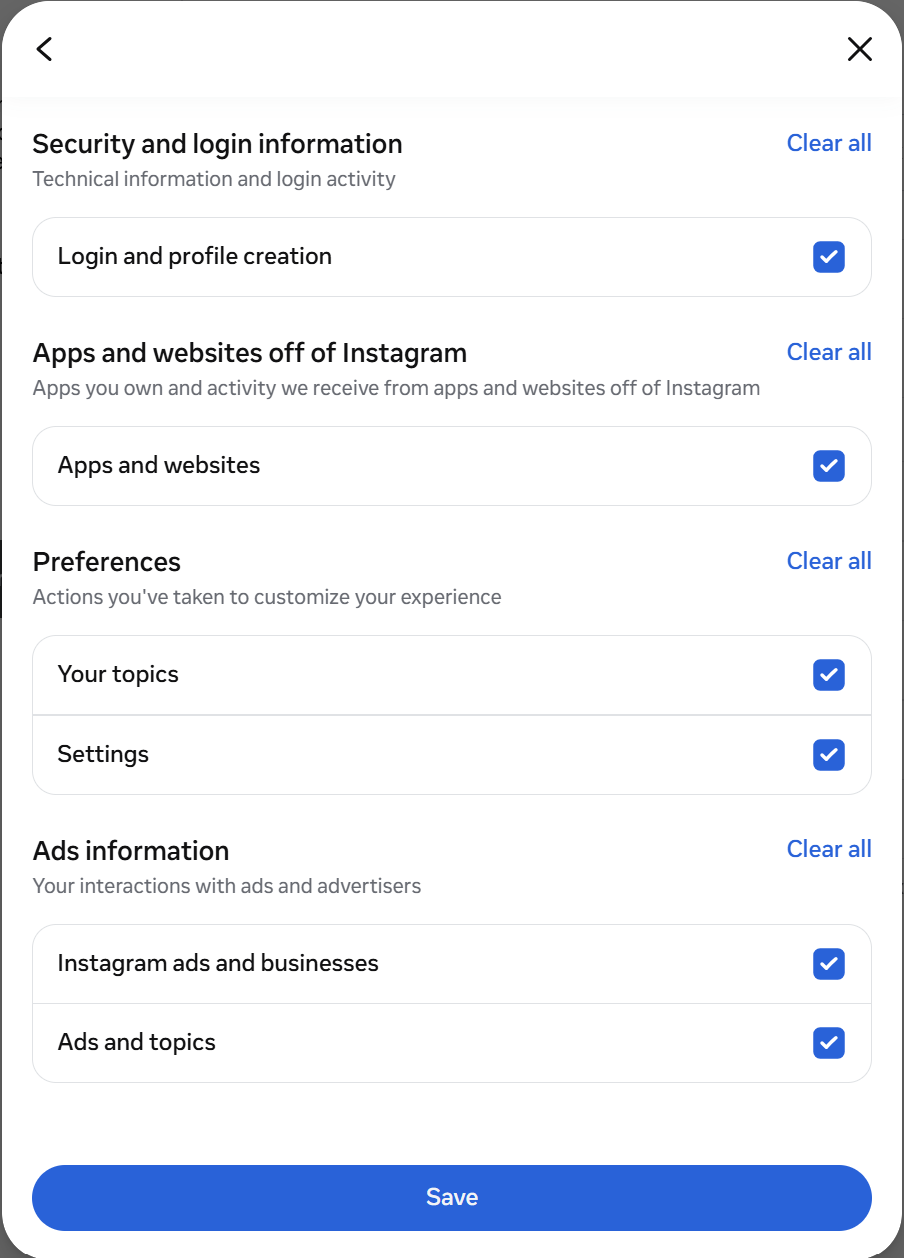
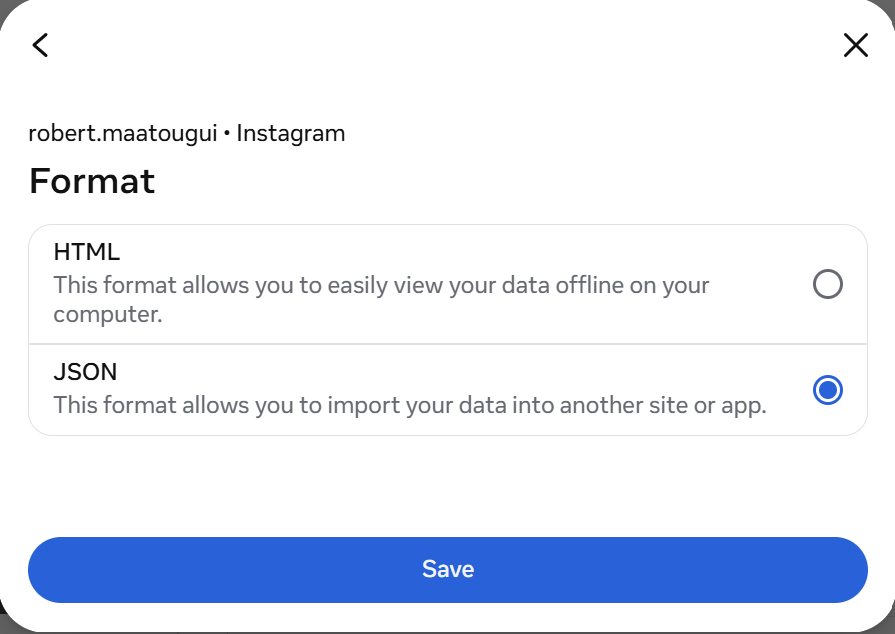
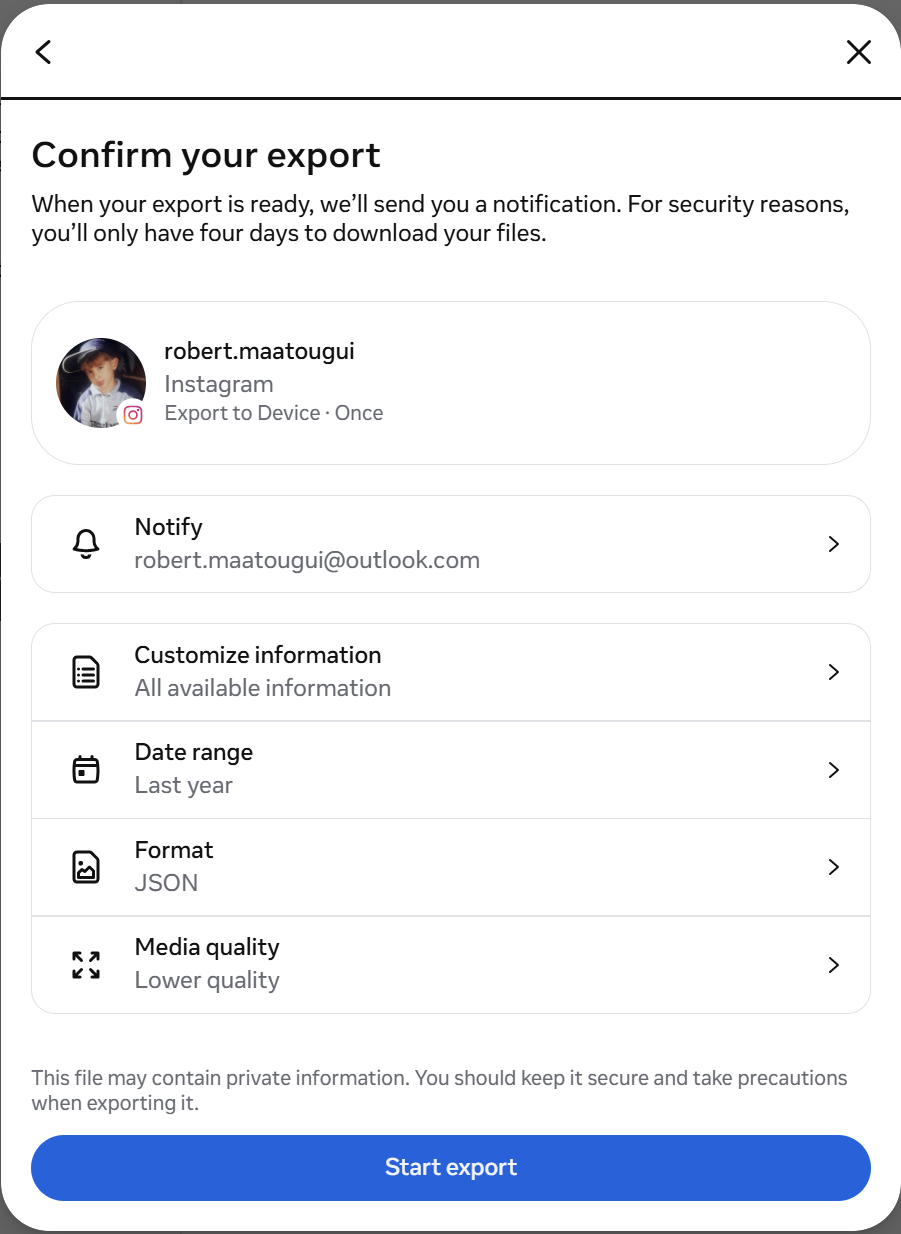
Takes about a minute to submit. Meta emails you when the ZIP is ready — usually 10–30 minutes. Walk through the screenshots below if you need the exact path. Pick JSON format, not HTML — the parser needs JSON. Same flow for both platforms; if you want Facebook too, run the export twice (once per account).
Google's export has an off switch for everything. Takeout includes Gmail, Photos, Drive, Maps — which can push the archive into tens of gigabytes. None of that matters for an ad-value report. Only a few slices carry advertiser signal.
1. Go to takeout.google.com → click "Deselect all" at the top.
2. Scroll and select only: Chrome (History only), YouTube and YouTube Music (history + subscriptions), My Activity (Ads only if available), Google Finance.
3. Destination: Add to Drive · Frequency: Export once · File type: .zip · File size: 2 GB is fine.
4. Create export. Google emails you when ready — typically within an hour for the slim selection above.
LinkedIn is the highest-CPM social platform. Its ad rates are 2× to 5× Meta's because it's B2B — advertisers pay premium to reach seniority, industry, and job-title segments. The export reveals exactly how LinkedIn categorizes you.
1. The button above opens LinkedIn's download page directly.
2. Select "The works: All of the individual files we're able to make available to you".
3. Click Request archive. LinkedIn will email you a download link — usually within 24 hours.
X still calls it Twitter inside the archive. X's export includes every ad impression, every ad engagement, and the personalization interests X assigns to you — but only if you request the full archive. The short-form export (tweets only) skips the advertiser data entirely.
1. The button above opens your X data settings page (sign in if prompted).
2. Scroll to "Download an archive of your data" → click Request archive.
3. X verifies your identity. You'll get a confirmation — usually takes a few hours to a day.
4. Download within 7 days before the link expires.
ads-revenue-sharing.js, you're an X Premium subscriber — future Opt2In reports will detect this and adjust accordingly.Drop it. Your data never leaves your browser. No account. No upload. Free.
Get My Report →