 Instagram
This is the report that's live today. You request the export from Instagram, they email you when it's ready, you download the ZIP from your Accounts Center, and you drop it back here. The whole report runs in your browser.
Setting 1 of 2: choose JSON, not HTML.
HTML gives you a near-empty report: the data's there, but we can't read it. JSON takes exactly the same time and works. You set this on the last screen of the request (Step 7 below).
Setting 2 of 2: leave your media out.
Skip this and the download can balloon to gigabytes of photos and videos, take forever to prepare, and often fails outright on a phone. In Customize information, unselect your photos, videos and messages, and set Media quality to Low. Keep every other category checked: those are the data files the report is built from. The report never opens a single photo, video or message, so leaving them out changes nothing in your results.
We never look at your photos. Leaving media out just keeps the export small and fast to prepare.
Two ways in, one screen. Newer app: Settings → Accounts Center → Your information and permissions → Export your information. Older app: Your activity → Download your information. The screenshots below pick up from there, and everything after step 1 is identical.
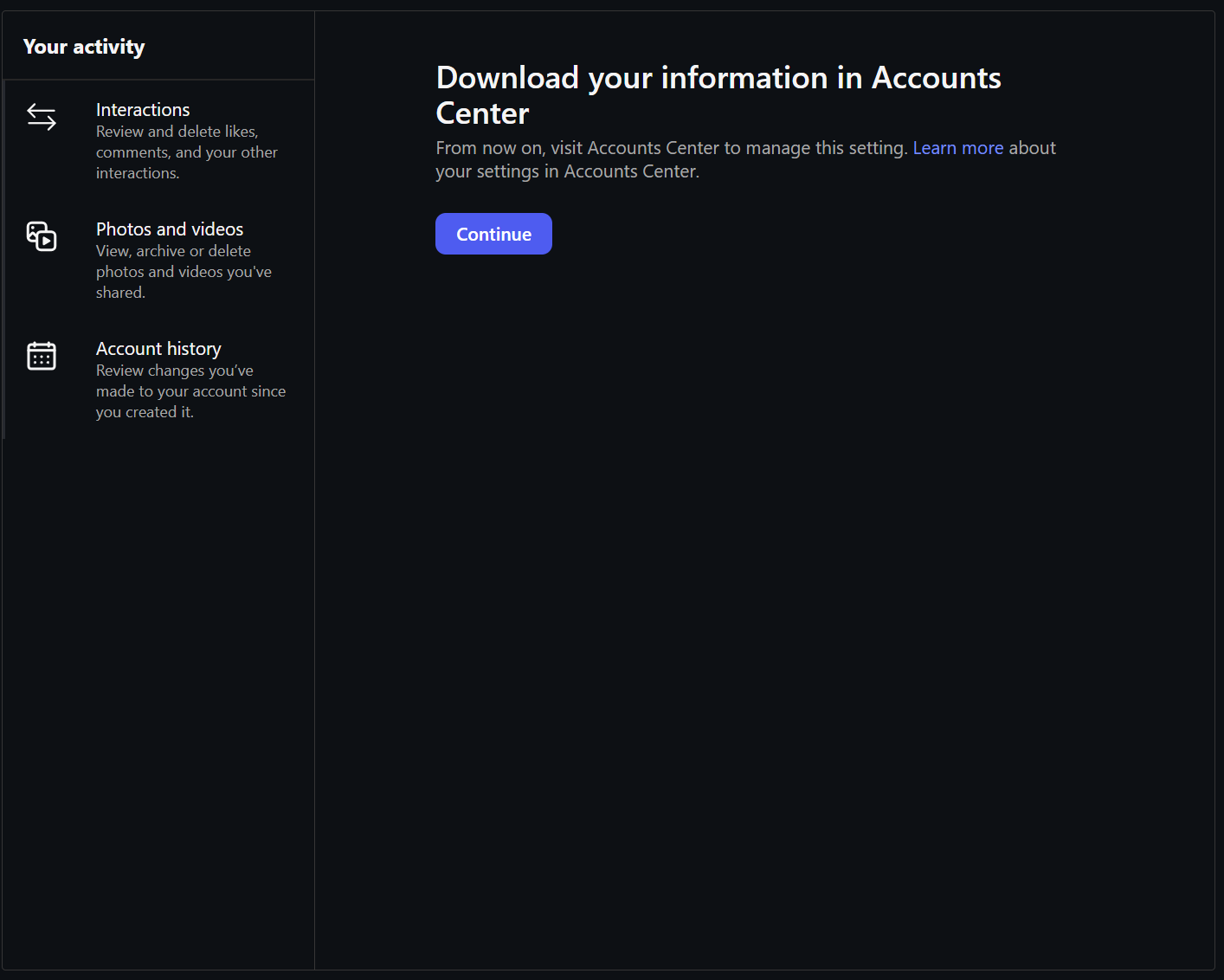
Tip: the whole thing works on your phone, from request to finished report. On iPhone there is an Opt2In app on the App Store that reads the file for you; on any other phone, open this site in your browser. Either way the file is read on your own device.
Got your ZIP? See what advertisers know about you.
Instagram shows you the list, buried in Ad preferences. We show you what it means and what it's worth.
It's read right in your browser: nothing uploads, no account, free.
Get my report